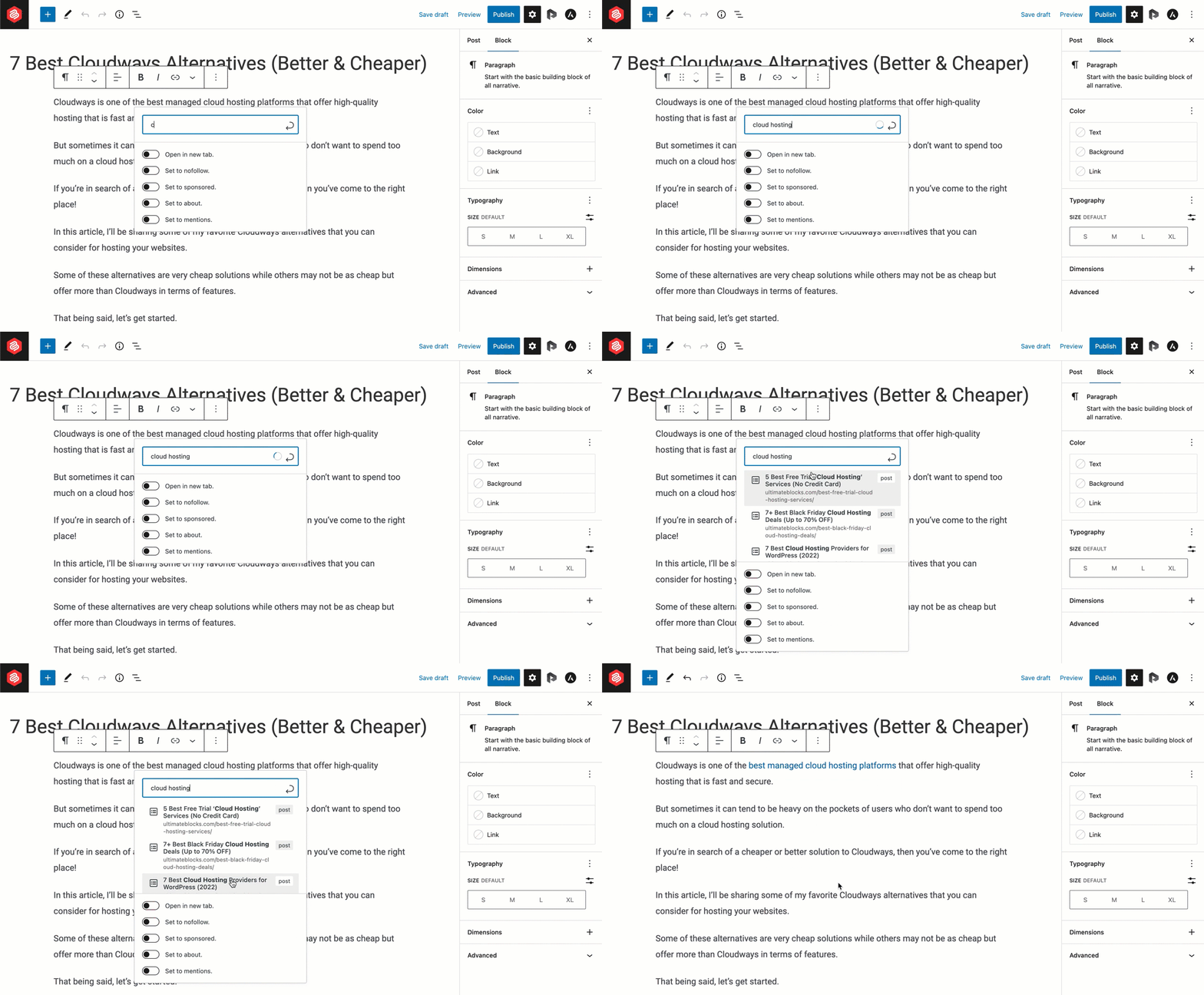
To launch a blog on WordPress.com, create an account, choose a niche with proven buyer intent, register a domain name, select a professional theme, set up essential pages, publish SEO-focused content, add the required affiliate disclosures, connect analytics tools, and strengthen each article with relevant internal links.
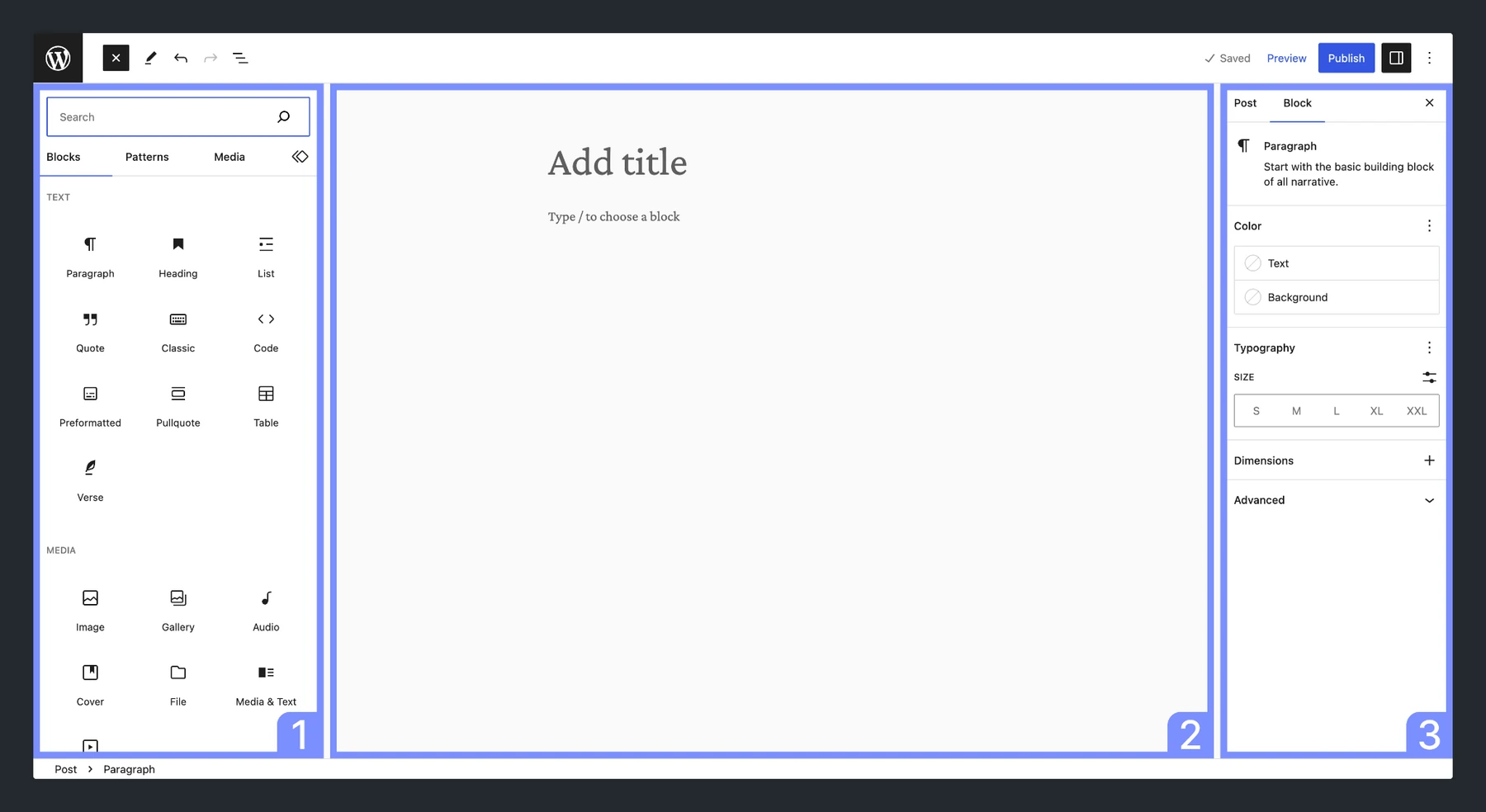
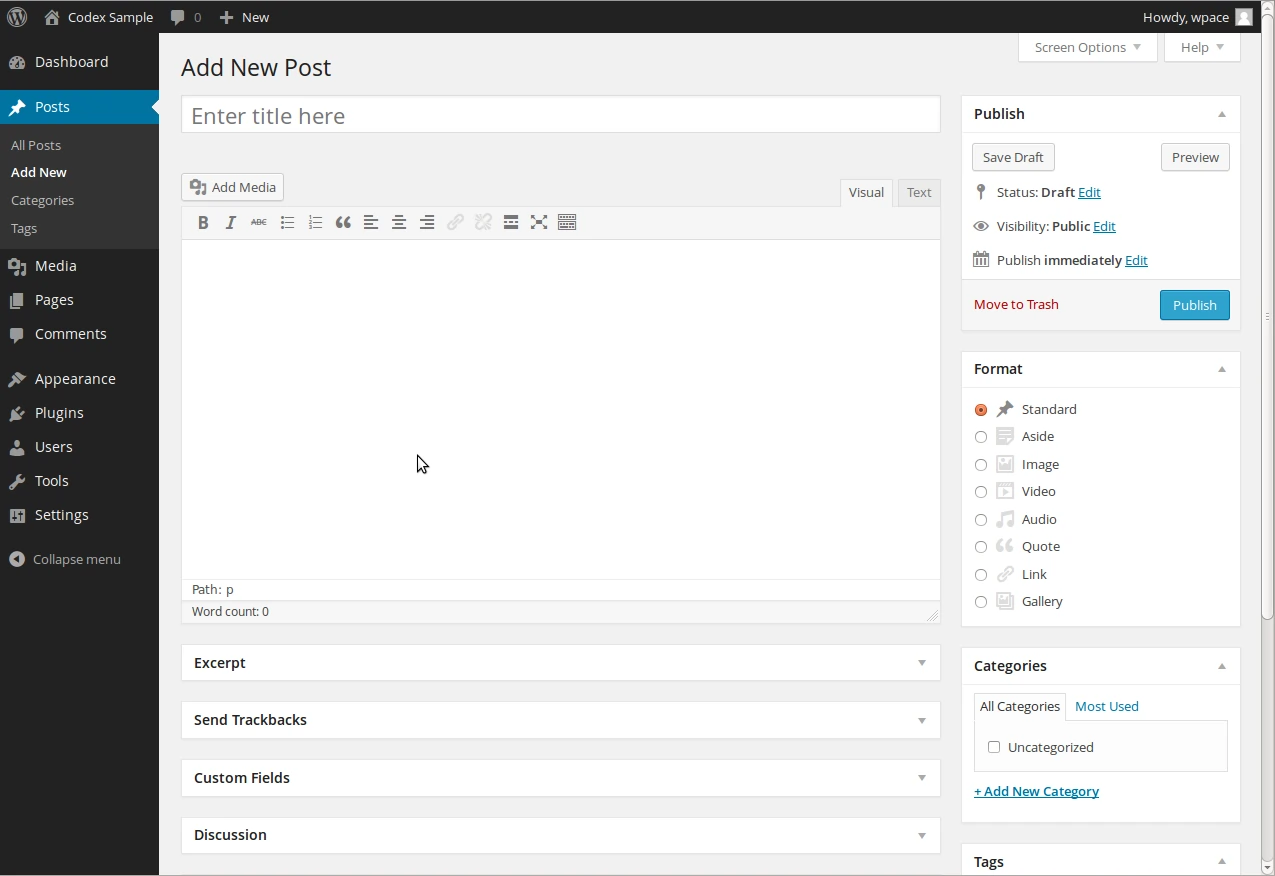
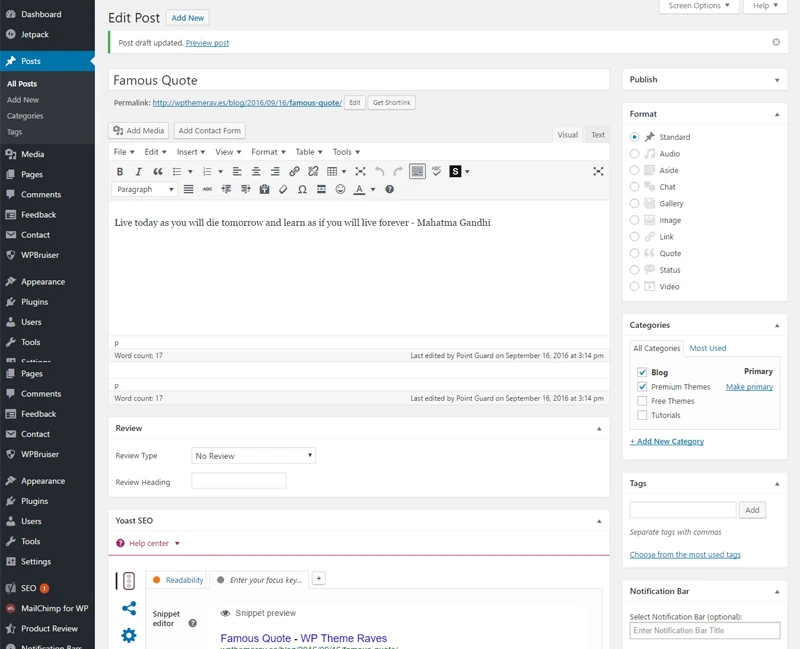
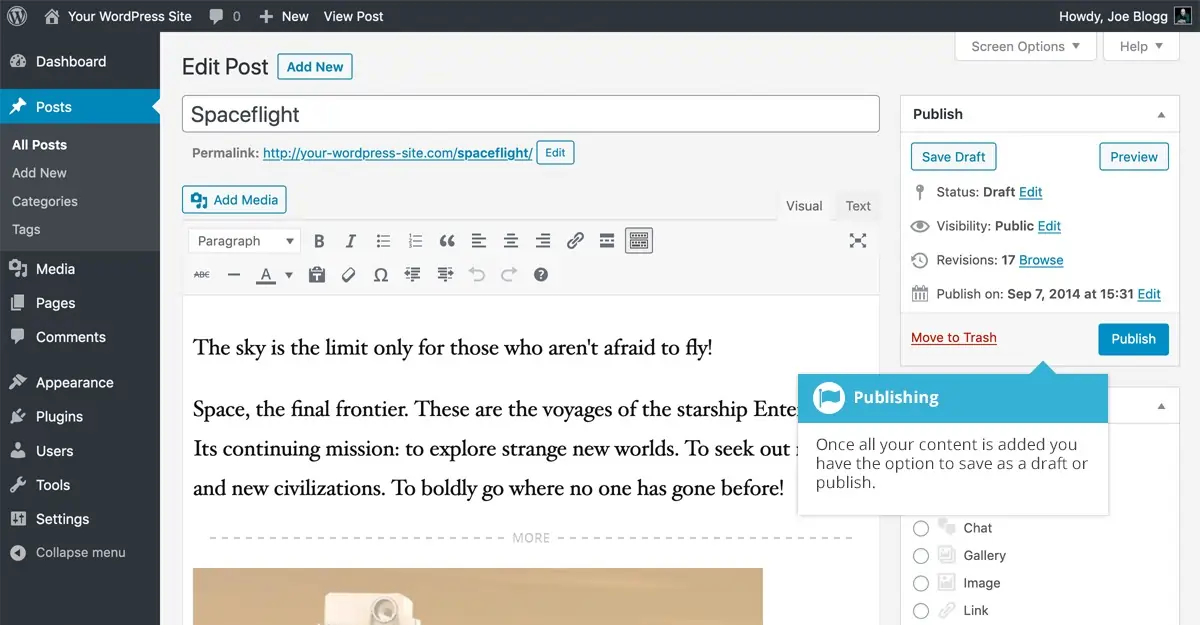
WordPress.com also provides preview options for desktop, mobile, and tablet devices before publication, allowing you to review the user experience and layout across different screen sizes. Depending on your plan, the editor may also include SEO settings, social media previews, newsletter integrations, and content-sharing features.
For affiliate marketers, the most effective content is built around real buying decisions and product-related search intent.
Avoid starting with general news or random topics. Focus instead on content that answers specific buyer questions and helps users make informed purchasing decisions.
Begin with posts around:
- Best tools
- Product reviews
- Coupon pages
- Alternatives
- Comparisons
- Tutorials
- Problem-solving guides
- Case-led affiliate content
Your first goal is not traffic alone.
Your first goal is traffic with a clear next click.
Step 1: Pick a Blog Niche With Buyer Intent
Most new blogs struggle because they focus on topics instead of search intent. For affiliate marketers, the foundation of a successful blog is choosing a niche where search demand, affiliate commissions, and content opportunities align.
Don’t select a niche simply because it appears easy to write about. Focus on markets where users actively compare products, search for recommendations, need how-to guides, and rely on expert reviews before making a purchase.
Popular affiliate blog niches include:
- SaaS software reviews
- AI tool guides and tutorials
- Web hosting reviews and comparisons
- Coupon and deals websites
- Creator and content marketing tools
- Personal finance and business tools
- VPN and proxy services
- WordPress plugins and themes
- Email marketing platforms
Your initial objective should be to define a clear content lane. For example, targeting “AI writing tools for bloggers” is far more focused than simply targeting “AI tools”, as it aligns with a specific audience and search intent.
A well-defined niche helps an affiliate blog build topical authority, improve internal linking, and achieve stronger organic rankings by keeping content focused around a single topic cluster.
Launch Your Blog on WordPress.com →
Here is how we would map a new blog for elking-style affiliate growth:
| Blog angle | Best content type | Monetisation path |
|---|---|---|
| AI tools | Reviews, comparisons, tutorials | Affiliate links, coupons, email list |
| Web hosting | Setup guides, speed tests, comparisons | Hosting affiliate offers |
| WordPress tools | Plugin guides, theme guides, SEO tutorials | Plugin and SaaS commissions |
| Creator tools | Creator stack posts, workflow guides | Tool bundles, newsletters |
| Coupon blog | Deal pages, promo pages, renewal offers | High-intent coupon traffic |
A smart blog content plan should include three page types from day one. You need tutorials for trust, comparison pages for buying intent, and coupon pages for final clicks.
A blog niche should match search demand, affiliate offers, and your ability to publish useful content.
For ELKING-type sites, strong niches include SaaS, AI tools, creator tools, ad networks, hosting, VPNs, eCommerce tools, finance tools, and adult affiliate programmes.
Do not pick “tech” as a niche.
Pick “AI tools for affiliate marketers” or “best ad networks for small publishers”.
That small focus helps you rank faster.
Use search intent mapping before choosing your first posts.
Split topics into four buckets:
| Intent | Example Keyword | Affiliate Value |
|---|---|---|
| Informational | how to start a blog on WordPress.com | Builds trust |
| Commercial | best WordPress.com alternatives | High click intent |
| Transactional | WordPress.com coupon | Very high $ intent |
| Support | how to connect domain to WordPress.com | Good trust signal |
Affiliate blogs grow faster when each topic has a path to $.
A tutorial can link to a review.
A review can link to a coupon.
A coupon can link to a comparison.
That is how we plan content clusters at ELKING.
Step 2: Choose WordPress.com for Fast Blog Launch
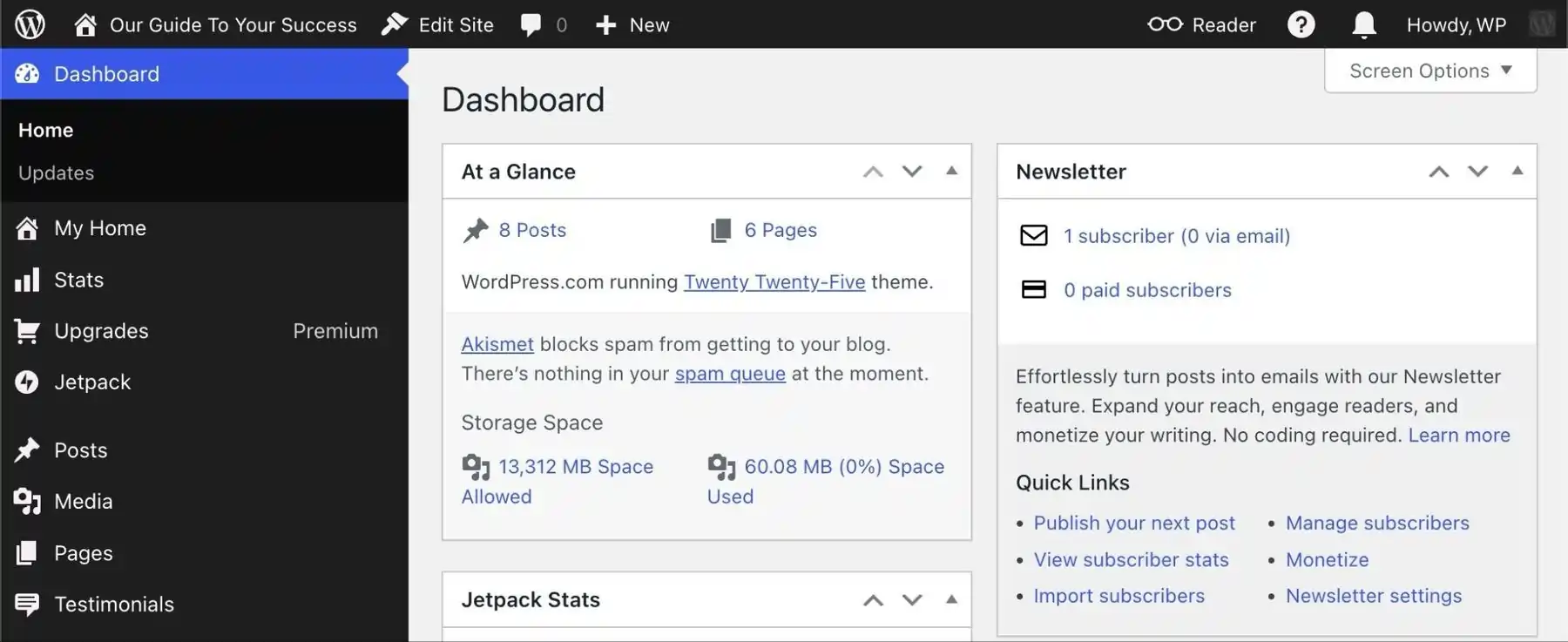
WordPress.com is a fully hosted blogging platform, allowing you to focus on content creation, branding, SEO, and affiliate marketing without dealing with server management or technical setup.
A self-hosted WordPress website offers greater flexibility and control, while WordPress.com provides a simpler solution for creators who want to get online and start publishing quickly.
For affiliate marketers, WordPress.com can be a practical choice when speed and ease of use are priorities. You can launch a website, create pages, publish content, and continue optimising your site as it grows.
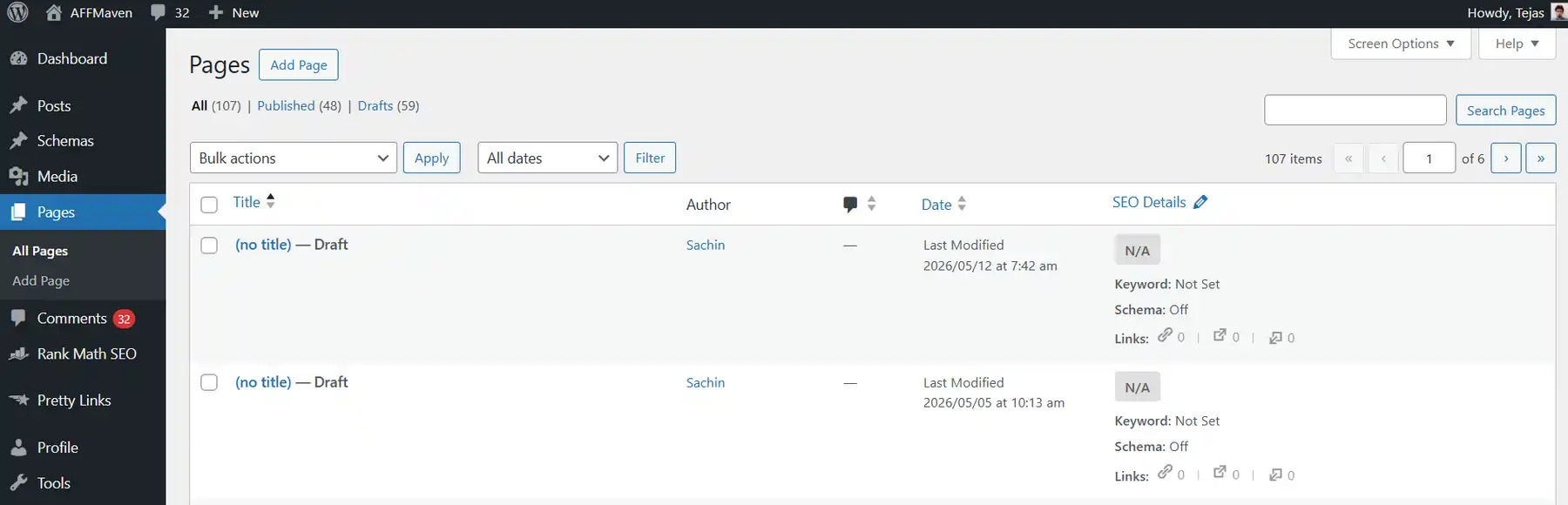
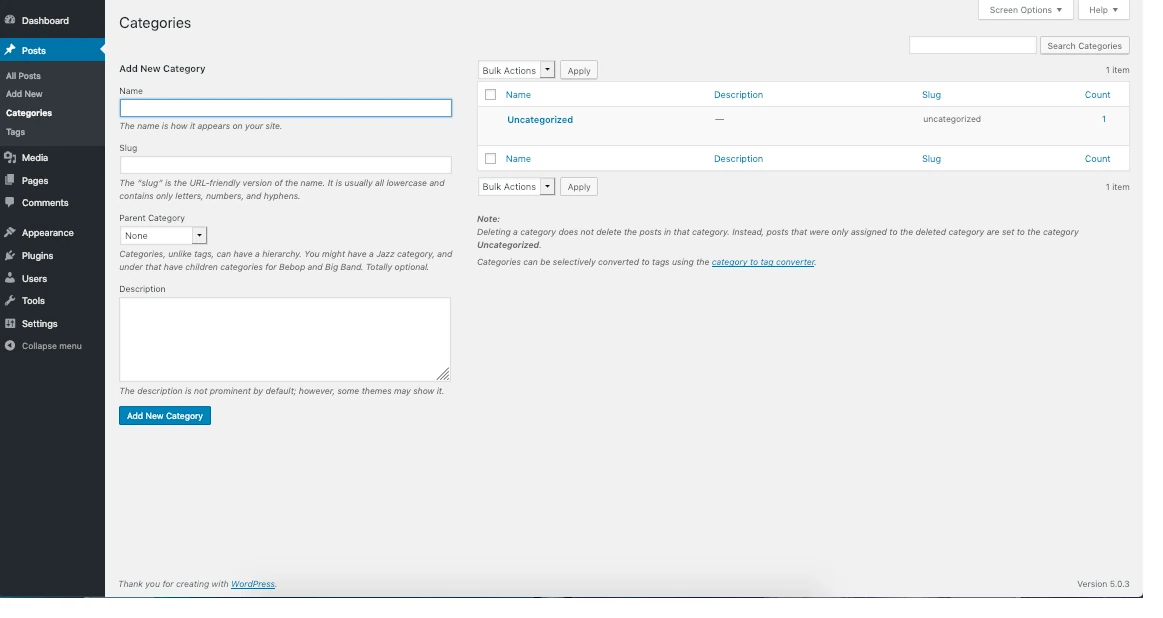
The platform also includes features that help organise content effectively, such as setting a dedicated posts page, creating custom blog pages, displaying content with the Blog Posts block, using the Query Loop block, and showcasing posts by category.
These tools make it easier to build topic clusters and content hubs around specific niches without requiring complex configuration or advanced technical knowledge.
Grab WordPress discount (69% off)
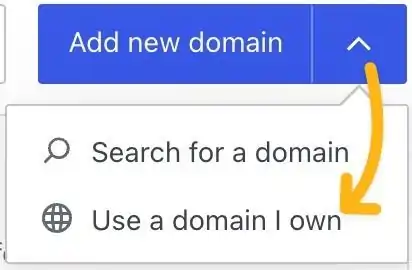
Step 3: Add a Domain Built for Trust